
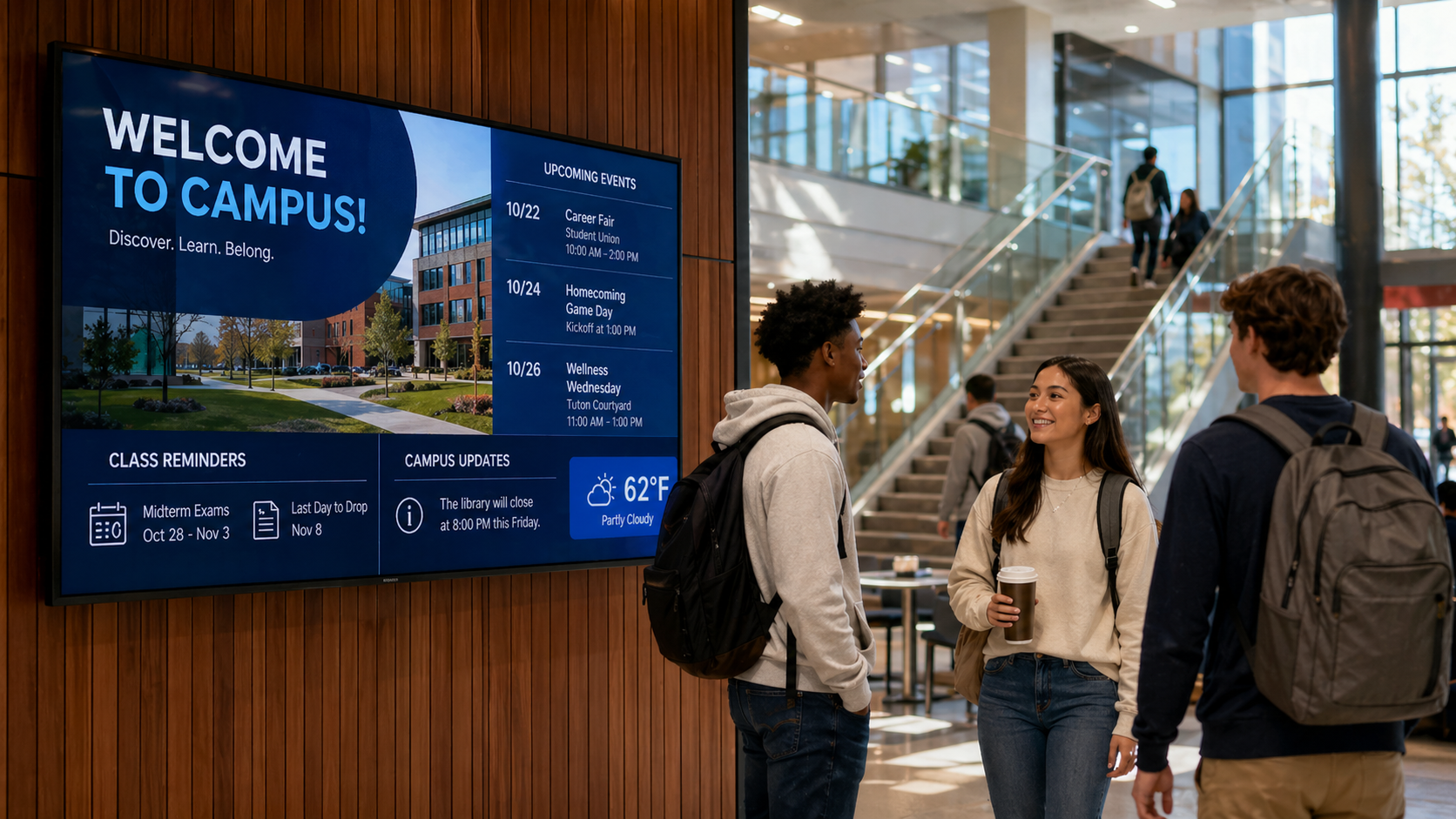
Most campus digital signage projects do not run into trouble because someone picked the wrong display.
They run into trouble because the system behind the display was never fully defined.
A department installs screens for events. Student Affairs adds signage in high-traffic areas. Facilities posts safety notices where it can. Athletics, admissions, academic departments, and executive offices start asking for their own screens. Before long, the university has a campus full of displays with different hardware, different content rules, different support expectations, and no shared standard for how the system should operate.
That creates problems for IT, Facilities, Communications, and leadership.
Screens go dark, but no one knows until someone reports it. Content looks different from one building to the next. Messages are hard to read from the actual viewing distance. Power and network access were not planned in advance. Some displays are mounted in places that are difficult to service. Other locations are high value, but they were left out of the first phase because no one mapped the campus experience.
For CIOs, AV/IT directors, academic leaders, and executive sponsors, the question is not simply, “Which screens should we buy?”
The better question is:
How do we build a campus digital signage system that is visible, reliable, manageable, accessible, and ready to support long-term communication goals?
That is where an AV design consultation matters.
A design consultation turns a signage idea into an executable plan. It connects the communication strategy with the physical environment, AV infrastructure, network requirements, content workflows, mounting conditions, and support model. Instead of treating signage as a collection of screens, it treats signage as a campus communication system.
Digital Signage Is an AV System, Not Just a Display Purchase
It is easy to think about digital signage in terms of hardware.
Display size. Resolution. Brightness. Mounting location. Media player. Content management software.
Those choices matter. But they are only part of the system.
A complete campus signage program also depends on sightlines, traffic patterns, ambient light, power, network readiness, cabling, mounting structure, service access, content ownership, monitoring, and long-term support. If those details are not addressed early, the project can become harder to manage after installation.
For example, a 55-inch display may look right on a quote, but it may not be readable from the intended viewing distance. A screen may look good on a wall, but glare from nearby windows may make it ineffective during peak traffic hours. A location may seem ideal for student communication, but there may be no clean pathway for power and network. A display may be installed successfully, but if the media player is difficult to access, basic service becomes disruptive.
An AV integrator looks at these details before recommending equipment.
That is the difference between buying screens and designing a system.
What an AV Integrator Evaluates Before Recommending Campus Signage
Before Data Projections recommends display types, mounting locations, media players, or content workflows, we evaluate the conditions that determine whether the system will work in the real campus environment.
That includes:
- Sightlines. Can students, faculty, staff, and visitors see the display from the natural path of travel? A screen that looks well placed on a floor plan may not work if people walk past it too quickly or approach it from the wrong angle.
- Viewing distance. The size of the display and the design of the content should match how far away the audience will stand. A message that looks clear on a laptop may fail in a lobby, corridor, dining hall, or academic building entry.
- Ambient light. Windows, overhead lighting, lobby brightness, and exterior-facing spaces can affect legibility. The right display choice depends on the lighting conditions around it.
- Mounting conditions. Wall type, ceiling structure, mounting height, vibration, ADA considerations, and service access all affect the installation plan. A signage location should be practical, safe, and maintainable.
- Power availability. A display location may require electrical coordination before installation. Identifying that early helps prevent delays and change orders.
- Network readiness. Digital signage needs a reliable content delivery method. That may involve wired network access, VLAN considerations, wireless limitations, or coordination with campus IT standards.
- Player placement. The media player may live behind the display, in a rack, or in another managed location. Each option affects serviceability, security posture, and support workflows.
- Service access. A display that cannot be accessed safely or quickly can create long-term support issues. Service planning should be part of the design, not an afterthought.
These details are not minor. They shape whether the system is easy to operate after installation.
Scalable Signage Starts with Repeatable Standards
Universities often grow digital signage in phases. That is normal. A residence hall may need screens this semester. A new academic building may come online next year. A student union refresh may happen in a later budget cycle.
The risk is that every phase becomes a different system.
One building gets one display standard. Another chooses a different media player. Another department uses a different content platform. Mounting methods vary. Network practices vary. Support documentation varies. Over time, IT inherits a collection of one-off installations.
A design consultation helps prevent that.
Instead of treating every screen request as a separate project, an AV integrator can help define repeatable signage standards by space type. For example:
- Public corridor signage
- Department entry signage
- Student services signage
- Executive lobby signage
- Event venue signage
- Library and learning commons signage
- Dining or residence life signage
- Emergency or priority message locations
Each category may have its own display size, mounting approach, content purpose, network requirements, and service expectations.
This does not limit creativity. It creates consistency.
When standards are clear, future projects move faster. Procurement becomes easier. Installation becomes more predictable. IT and Facilities know what to expect. Communications teams can create templates that fit the environment. Leadership can approve a plan that supports both current needs and future phases.
Content Strategy and AV Design Need to Work Together
Campus signage is not décor. It is a communication channel.
That means content strategy and AV design have to support each other.
A university may want to share event reminders, student deadlines, wayfinding, emergency updates, donor messaging, department announcements, or executive communications. But not every message belongs on every screen. A display in a student union has a different purpose than a display outside a dean’s office. A residence hall screen has different content needs than an event venue screen. A lobby display may need brand-level polish, while a student services display may need fast, practical updates.
A design consultation helps define what belongs where.
That includes:
- Which departments can publish content
- Which screens are centrally managed
- Which locations require approval workflows
- Which messages receive priority placement
- How long content should remain active
- What templates should be used
- How emergency or high-priority messages should appear
- How content should be reviewed for readability and accessibility
This is where many signage programs either gain momentum or stall.
Without governance, screens become cluttered. Without templates, content becomes inconsistent. Without approval rules, priority messages compete with routine announcements. Without readability standards, messages may look attractive up close but fail in the actual space.
An AV integrator can help connect these content decisions to the physical system. That way, the display size, placement, orientation, and content format all support the purpose of the location.
Accessibility Should Be Considered During Design
Universities increasingly need to consider how campus communication supports accessibility expectations.
Digital signage cannot solve every accessibility requirement on its own, and broad compliance claims should be avoided unless specific standards are named, documented, and met. But signage design can support more readable, usable communication when accessibility is addressed early.
A design consultation can help define practical content and placement standards, such as:
- Minimum font sizes based on viewing distance
- Strong contrast between text and background
- Limited use of fast motion or distracting animation
- Clear hierarchy for headlines, details, and calls to action
- Consistent templates that make messages easier to scan
- Placement that avoids unnecessary glare or visual obstruction
- Coordination with other communication channels when needed
These decisions should not be left until after screens are installed.
Accessibility, readability, and usability are part of the design process.
Common Campus Signage Mistakes an AV Integrator Can Help Prevent
Many signage issues start before installation. They happen when teams move too quickly from “we need screens” to “order the displays.”
An AV design consultation helps universities avoid common mistakes, including:
- Choosing locations before confirming infrastructure. A wall may look like the right place for a display, but power, network, structure, and cable pathways need to be verified.
- Using the same display approach everywhere. A lobby, corridor, lecture hall entry, and student union may require different brightness, size, orientation, and mounting decisions.
- Ignoring service access. If a display or player cannot be accessed easily, routine maintenance becomes harder than it should be.
- Letting departments choose disconnected systems. When every group selects its own platform or hardware, IT support becomes more complicated.
- Designing content without considering viewing distance. A message may look polished on a desktop screen but become unreadable in a hallway.
- Skipping monitoring expectations. If no one knows when a display fails, the signage system depends on complaints instead of proactive support.
- Waiting too long to define governance. Content ownership, approval workflows, and escalation rules should be clear before the system expands.
A good consultation identifies these risks early, while they are still easy to solve.
What Happens in a DPI Design Consultation
A DPI design consultation is not just a conversation about displays. It is a structured process that connects campus goals to AV system design.
The goal is to help university stakeholders make informed decisions before hardware is ordered, budgets are finalized, or installation begins.
Step 1: Stakeholder Alignment and Outcomes
Campus signage usually affects several teams: IT, Facilities, Marketing and Communications, Student Affairs, academic departments, public safety, executive leadership, and sometimes outside partners.
A consultation helps align those groups around practical questions:
- What messages matter most?
- Who owns the content?
- Which audiences need to be reached?
- Which locations are highest priority?
- What does reliable performance mean for this campus?
- How should urgent or high-priority messages be handled?
- Who supports the system after installation?
This alignment matters. A signage system without shared ownership can quickly become difficult to manage.
Step 2: Site Notes and Location Mapping
Next, the physical environment needs to be evaluated.
DPI reviews the real-world factors that affect system performance, including sightlines, viewing distance, ambient light, traffic flow, mounting surfaces, power access, network readiness, equipment placement, and serviceability.
This helps determine which locations are ready for signage, which require coordination, and which may not be worth the investment.
The result is a plan that matches the campus, not just the floor plan.
Step 3: AV Standards for Repeatable Deployment
Once use cases and locations are understood, the next step is to define standards.
That may include standard display sizes by zone, approved mounting methods, media player placement, cabling expectations, network requirements, content management approach, documentation needs, and monitoring practices.
The goal is to make future deployments easier.
Instead of solving every location from scratch, the university can follow a repeatable model.
Step 4: Content and Governance Recommendations
A signage system needs clear rules for content.
DPI can help stakeholders think through content zones, template needs, publishing roles, approval workflows, refresh cadence, priority messaging, and escalation processes.
These recommendations help keep the system useful after launch.
Step 5: Phased Rollout Planning
Most universities deploy signage in stages. A design consultation helps prioritize high-impact spaces first while protecting the long-term system design.
That may mean starting with student-facing traffic areas, academic building entries, executive spaces, event venues, or locations tied to safety and wayfinding.
The important point is consistency. Phase two should not become a different system because standards were not established in phase one.
What Leaders Can Expect After a Consultation
For CIOs, AV/IT directors, and executive sponsors, the value of a design consultation is clarity.
After the consultation, leaders should have a stronger understanding of:
- Which signage locations matter most
- What AV infrastructure is required
- Which display standards fit each space type
- How content should be managed
- What IT and Facilities need to support
- How the system can be monitored
- Where phasing makes sense
- What risks need to be resolved before installation
This gives leadership a plan that can stand up to budget review, procurement discussions, stakeholder questions, and future expansion.
It also helps avoid the most expensive kind of signage project: one that has to be redesigned after it is installed.
Why Partner with Data Projections?
Campus digital signage works best when communication goals, AV design, installation, and long-term support are planned together.
With more than 38 years of AV integration experience, Data Projections helps universities move from scattered screen requests to coordinated signage systems. We evaluate locations, infrastructure, display requirements, mounting conditions, network needs, content workflows, and support expectations before recommending a solution.
Our team designs customized systems around your campus goals and operational requirements. Then we provide professional installation to help ensure each component works together as intended. After installation, we support long-term performance with service, documentation, and guidance for future phases.
When reliability matters, experience makes the difference.
Start with the System, Not the Screen
Campus digital signage can support student communication, wayfinding, events, safety messaging, brand consistency, and executive communications. But only when the system is designed with the full environment in mind.
That means looking beyond the display.
It means planning for content, infrastructure, mounting, service, monitoring, accessibility considerations, and long-term support.
You are not just buying screens. You are standardizing a campus AV communication system that can be installed, managed, serviced, and expanded with confidence.
If you want campus digital signage that works beyond the first installation, start with a plan.
Schedule a design consultation to define locations, standards, governance, and a phased rollout strategy.
Other articles:


Darlene Rankin
Darlene Rankin is the Education Business Development Manager at Data Projections, Inc. She is an accomplished education technology leader with over twenty years of experience, including twenty-four years as Director of Innovation and Instructional Technology at Katy ISD in the Greater Houston Area. In 2025, she joined DPI to focus on expanding AV technology solutions for Texas schools and supporting innovation, collaboration, and student success.